AI product photo generator
Turn a quick phone snapshot of your product into a clean white-background shot or a styled lifestyle photo in under a minute. No studio, no photographer, no editing skills.
Try it free, no signup
Upload one product photo and pick a style. You'll see a preview in about 30 seconds.
From phone snapshot to store-ready
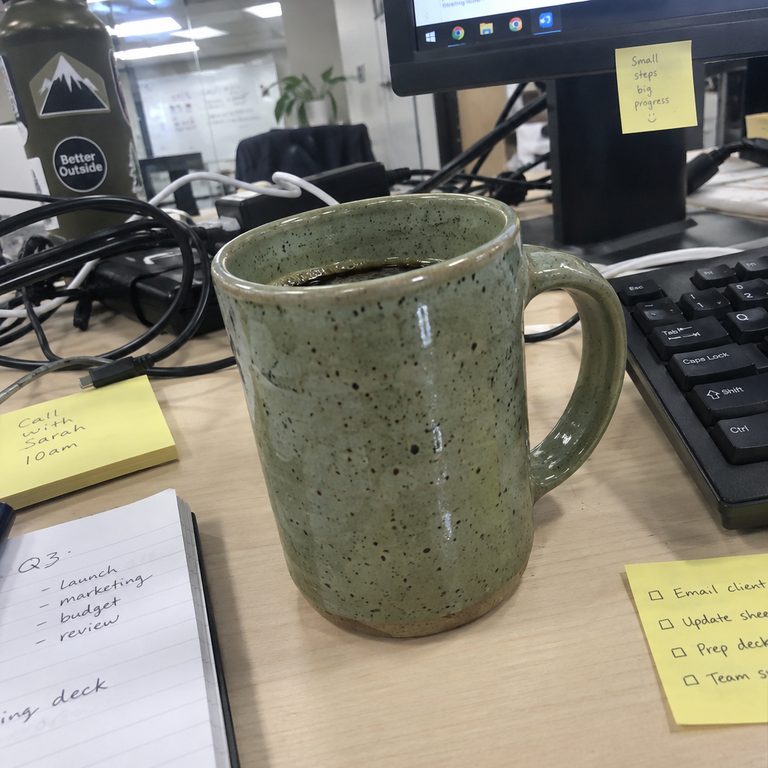
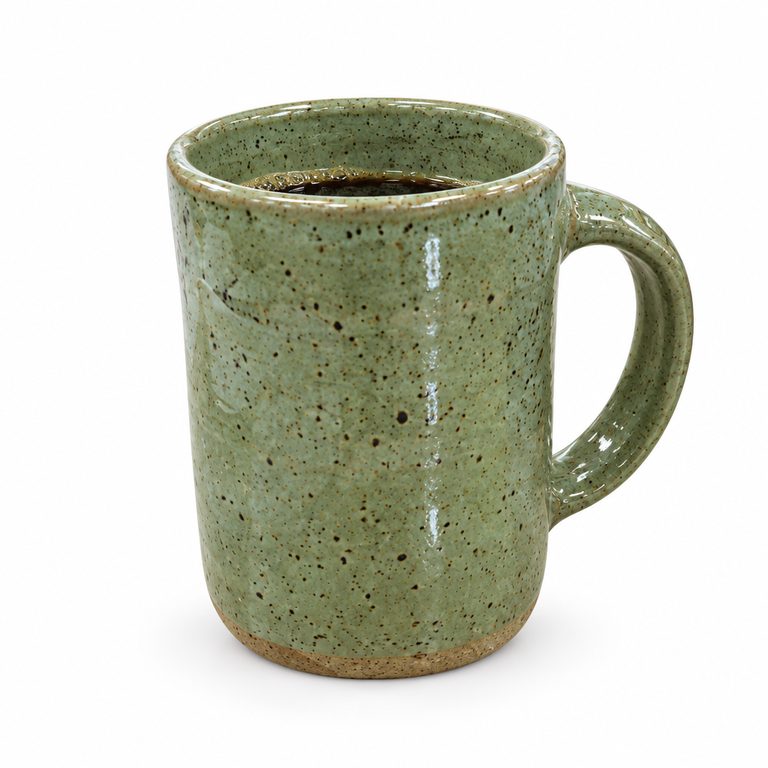
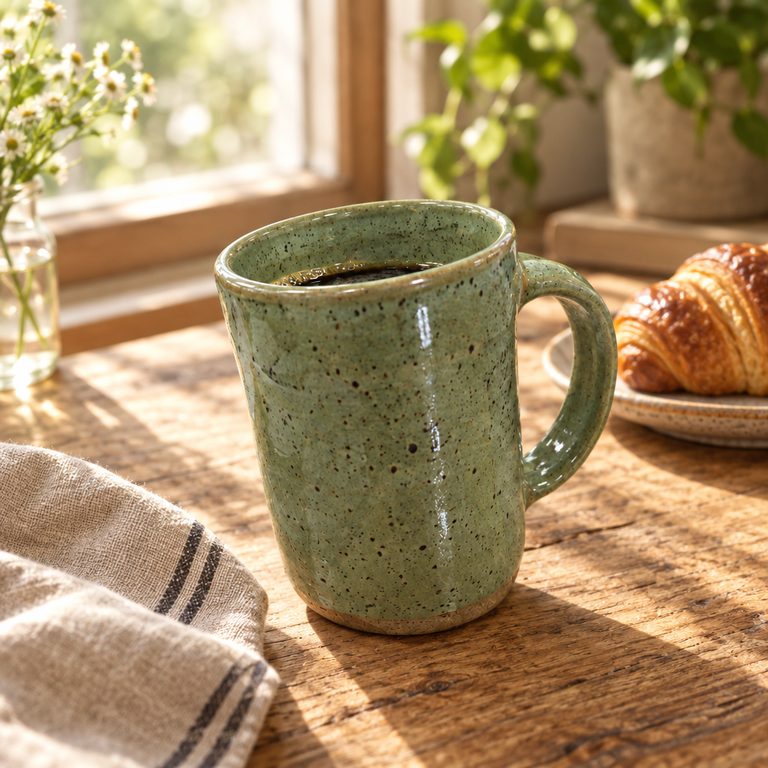
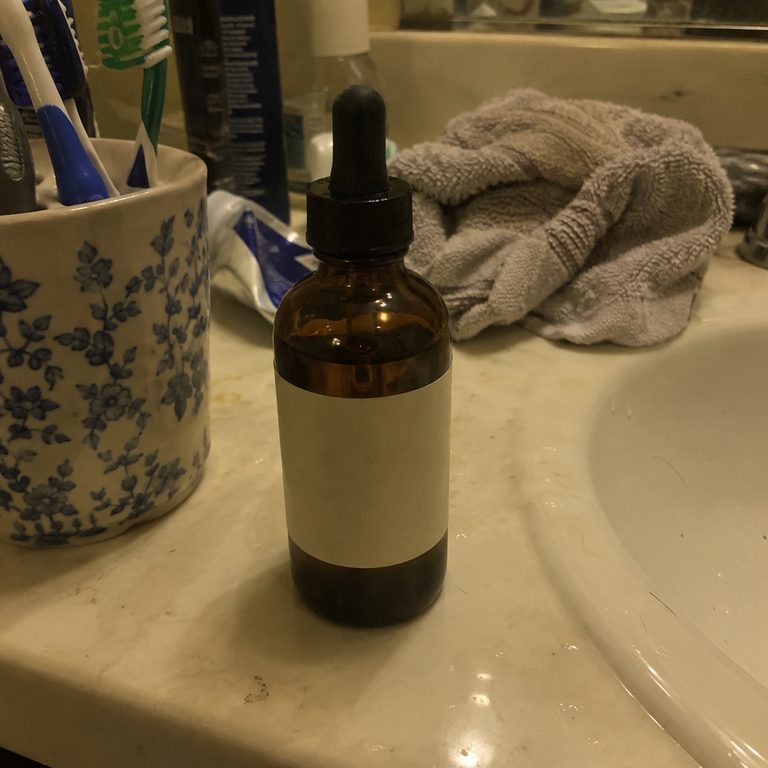
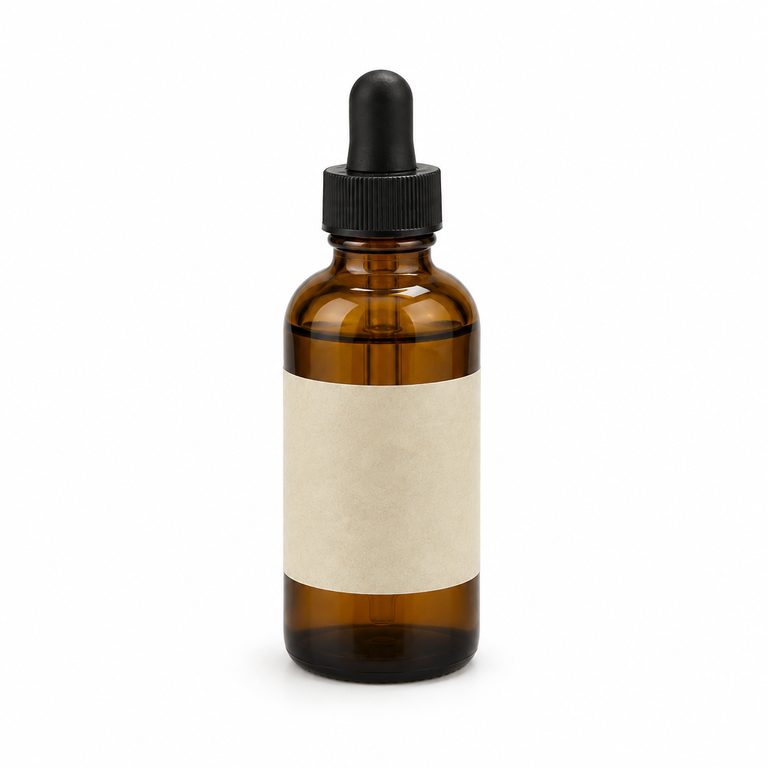
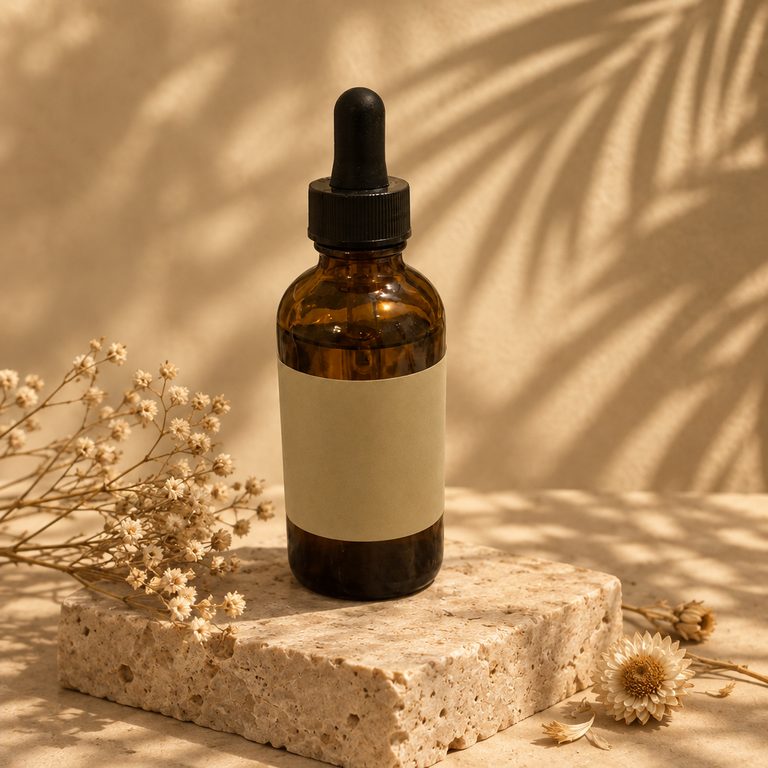
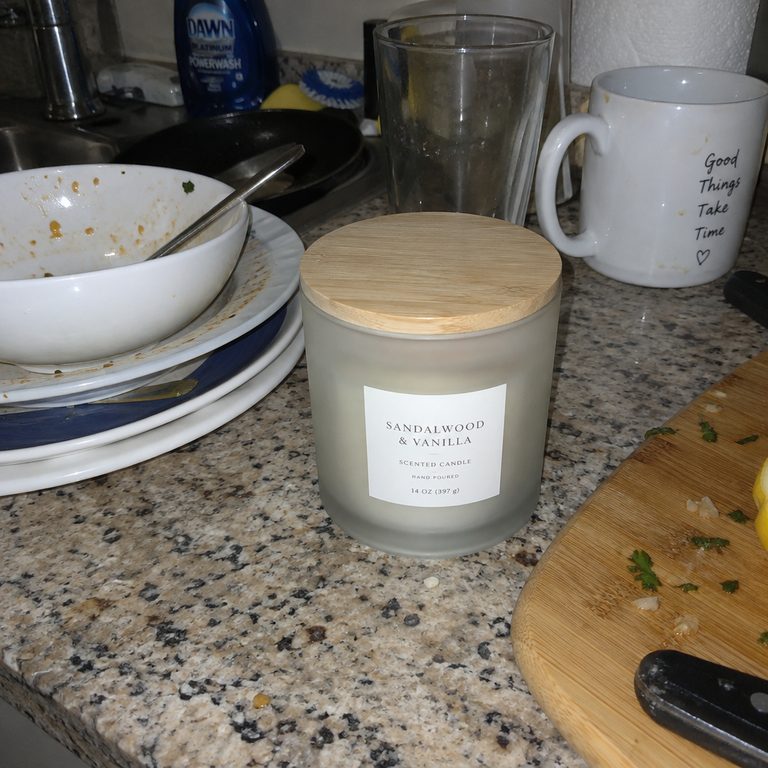
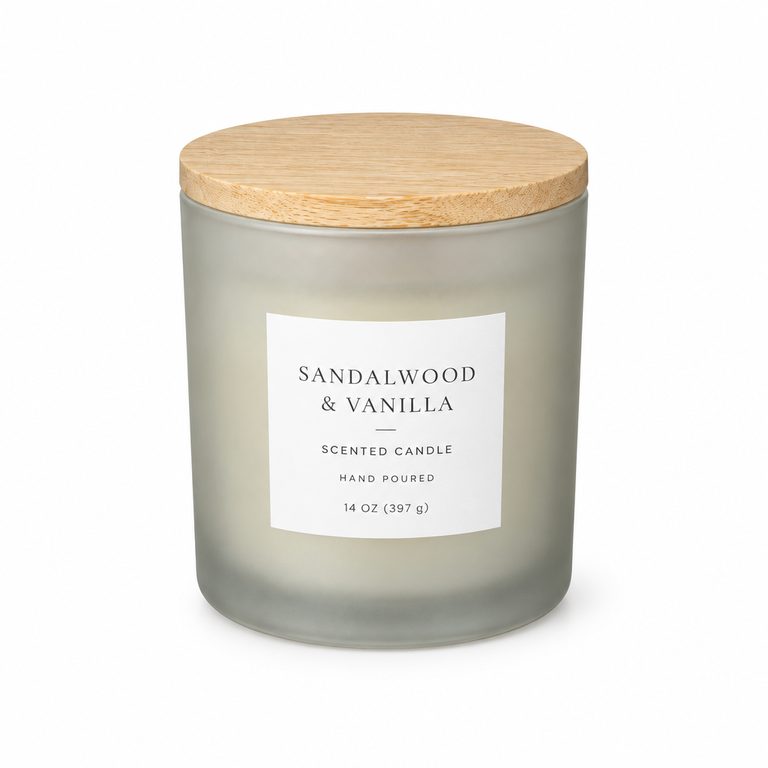
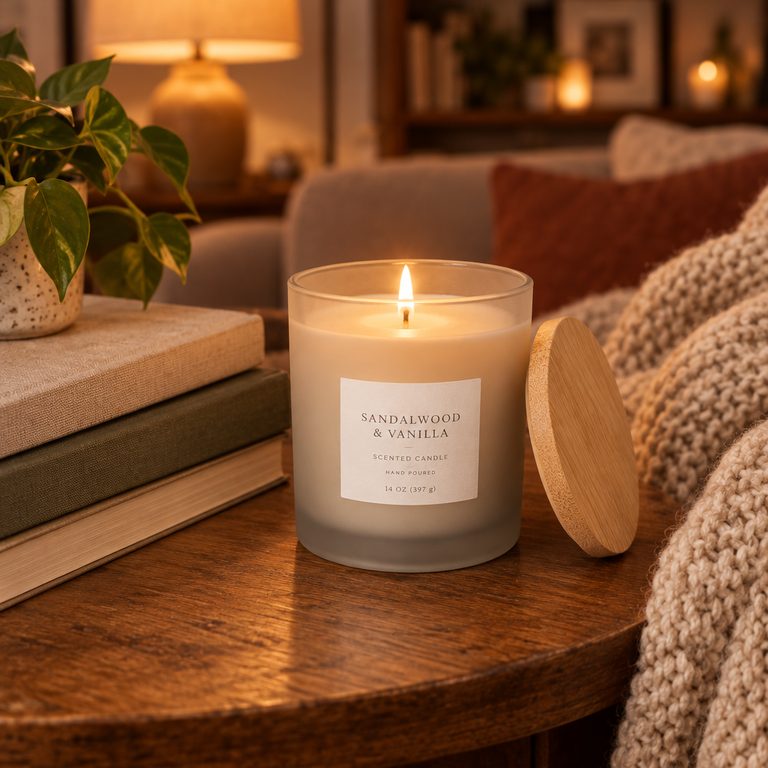
Example results made with ImageWhim from the snapshot on the left. For this demo the snapshots were also AI-generated.
Pick a style, then add your photo
White background
Pure white (#FFFFFF) studio shot with a soft shadow: the look marketplaces ask for in main images.
Lifestyle scene
Place your product on a table, shelf or countertop in a setting that suits your brand. Change the scene in one sentence.
Holiday & promo
Holiday and sale backdrops with space for a headline, for listings, banners and social posts.
Use this styleHow it works
- 1Snap or pick a clear photo of your product.
- 2Choose a style and, if you like, describe the setting.
- 3Generate, compare and download in up to 4K.
Tips for the best results
- One product per photo, in focus and well lit, filling most of the frame.
- Mention the material and color in the description, e.g. “matte black steel” or “speckled ceramic”.
- For a set or bundle, upload one photo of each item (up to 4) and say how to arrange them.
- Always check small text, labels and logos before publishing. AI can alter fine details, so regenerate if anything looks off.
Frequently asked questions
Will my product look the same?
Every style tells the model to keep your product's shape, color and details, and it usually does. Small text, logos and fine patterns can still change, so compare with your original before you publish.
Can I use the images in my store and ads?
Yes. You own the images generated for you, to the extent permitted by law and by our AI model providers' terms. See our Terms for details.
Do the images meet marketplace rules?
White-background shots are made for main-image requirements like Amazon's, but each marketplace has its own rules on size, product fill and props. Check them before uploading.
Can I use these photos on Etsy?
Yes, as additional listing photos. Since October 2026, Etsy requires most listings to include at least one unedited photo of the actual item against a real background, and every photo must accurately show what the buyer will receive. Etsy also recommends making your first photo the most realistic one and noting in the description which photos were edited with AI.
Are my photos private?
Your uploads and results are visible only in your account. We never publish them, and our AI provider does not use API data to train its models by default. See our Privacy Policy.
What does it cost?
You pay per image with credits. There is no subscription, credits never expire, and failed generations are refunded automatically.