AI holiday product photos
Turn one photo of your product into a cozy Christmas scene, a bold Black Friday sale visual or a gift-guide shot in under a minute. Refresh your listings, ads and emails for the holidays without a photo shoot.
Try it free, no signup
Upload one product photo and pick a style. You'll see a preview in about 30 seconds.
One snapshot, three holiday looks
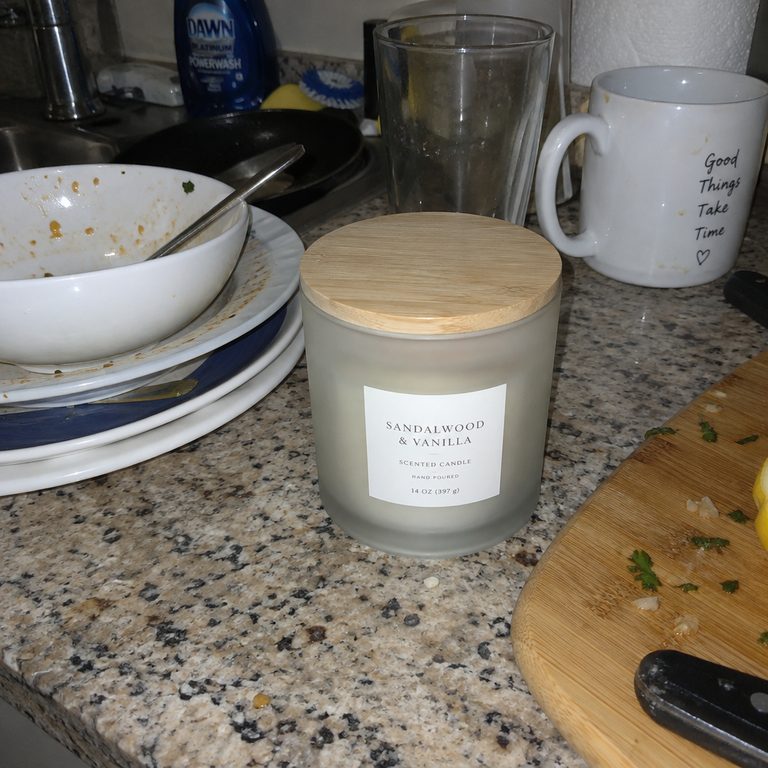
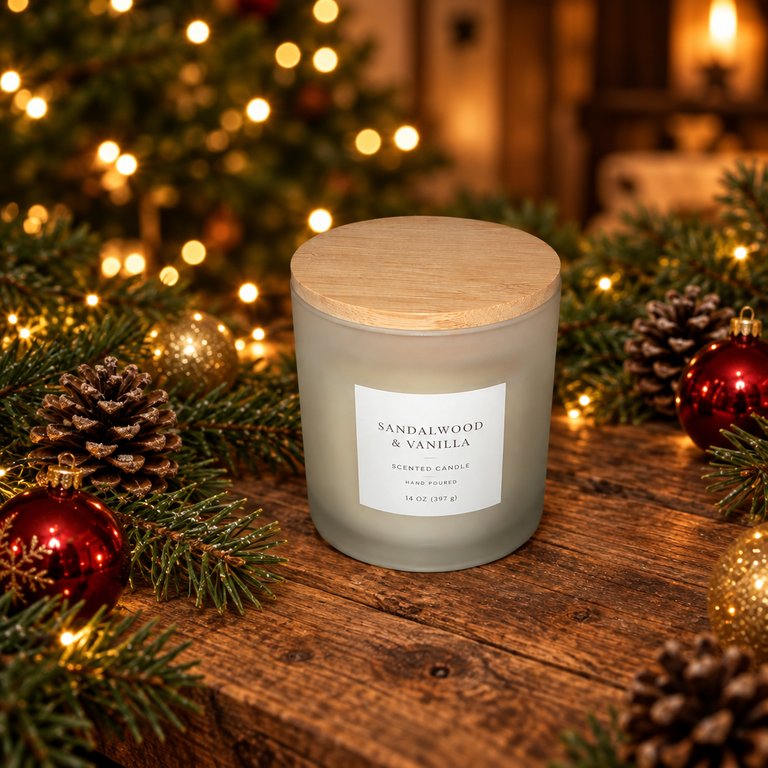
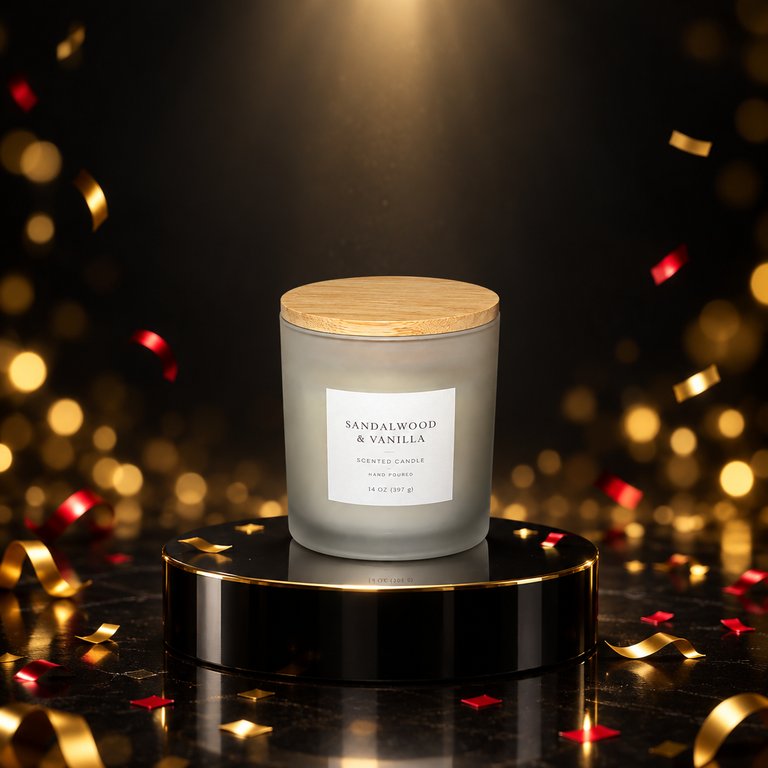
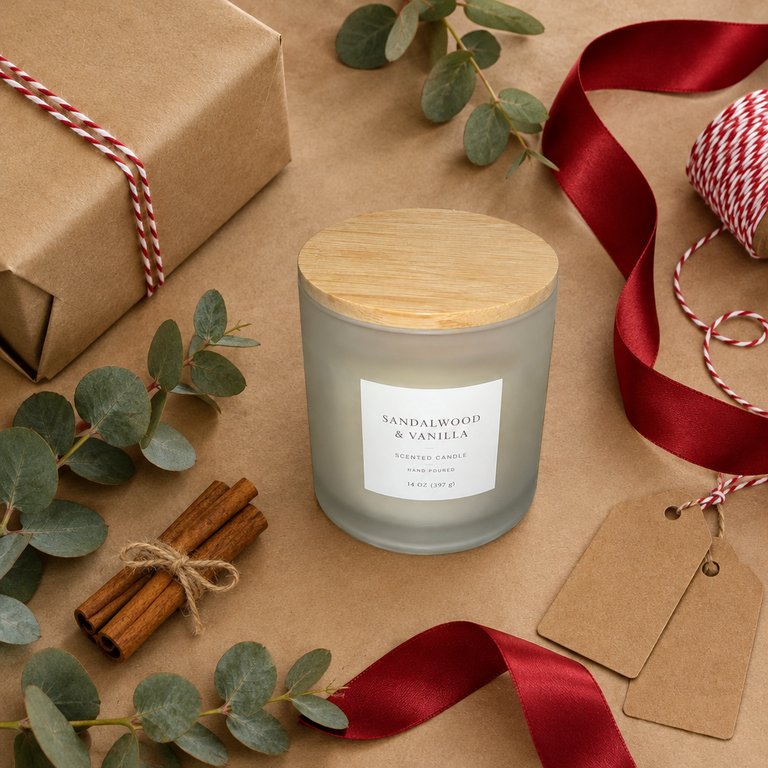
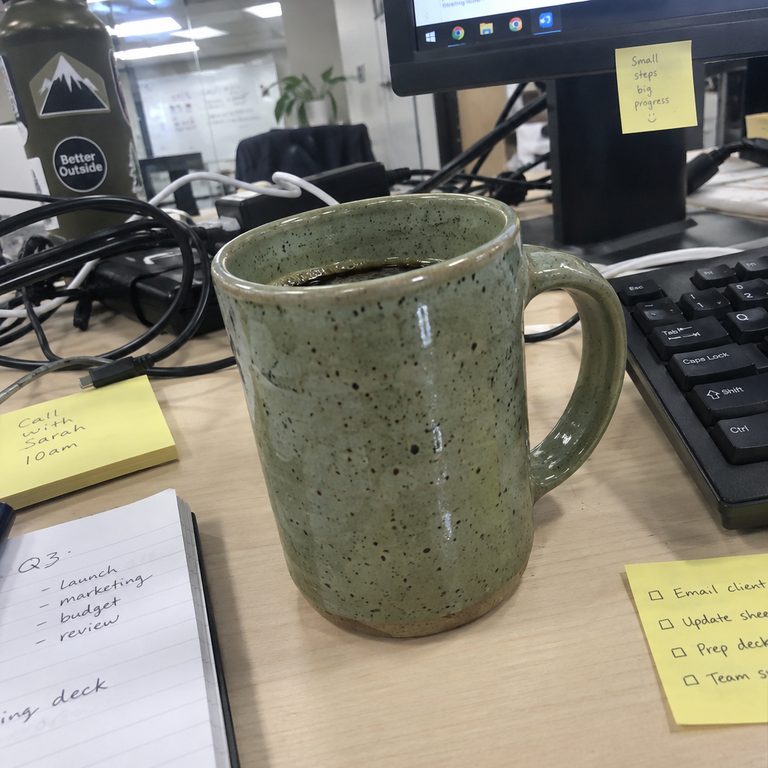
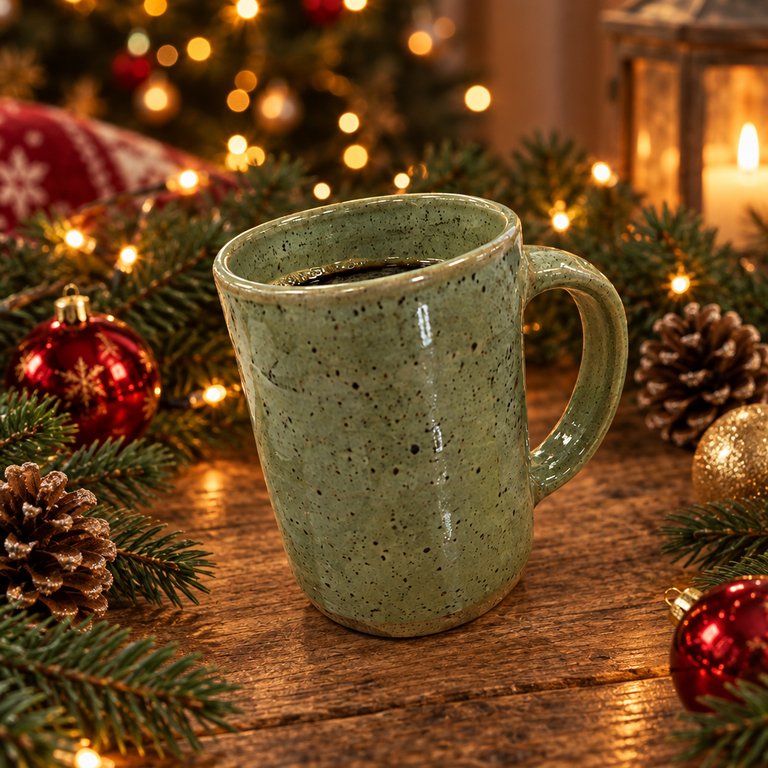
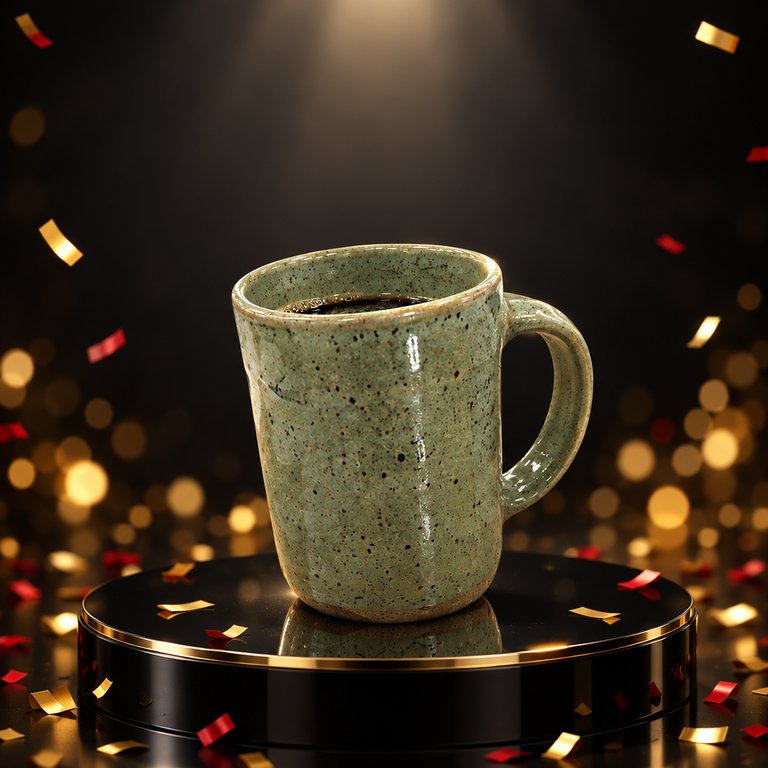
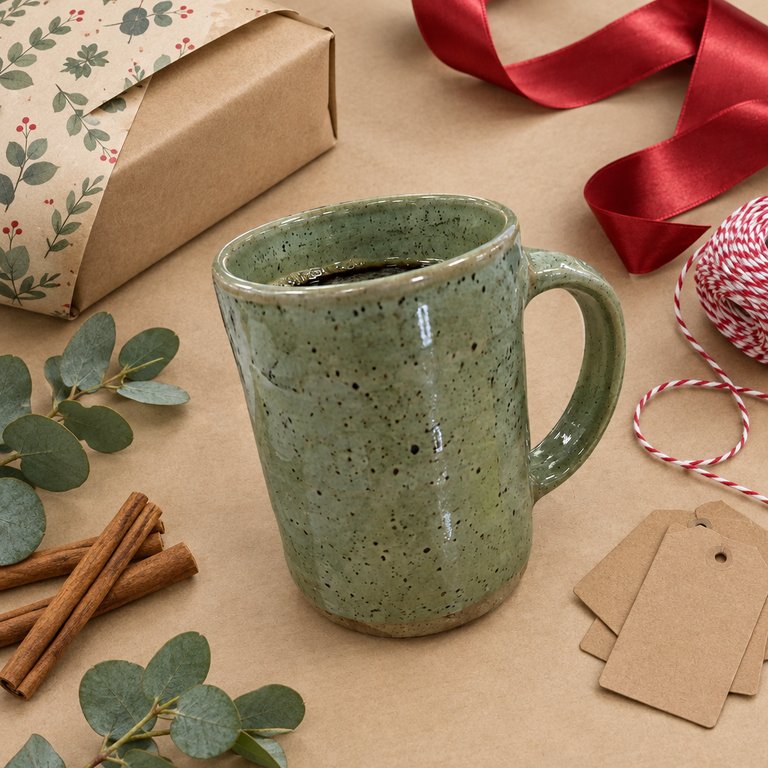
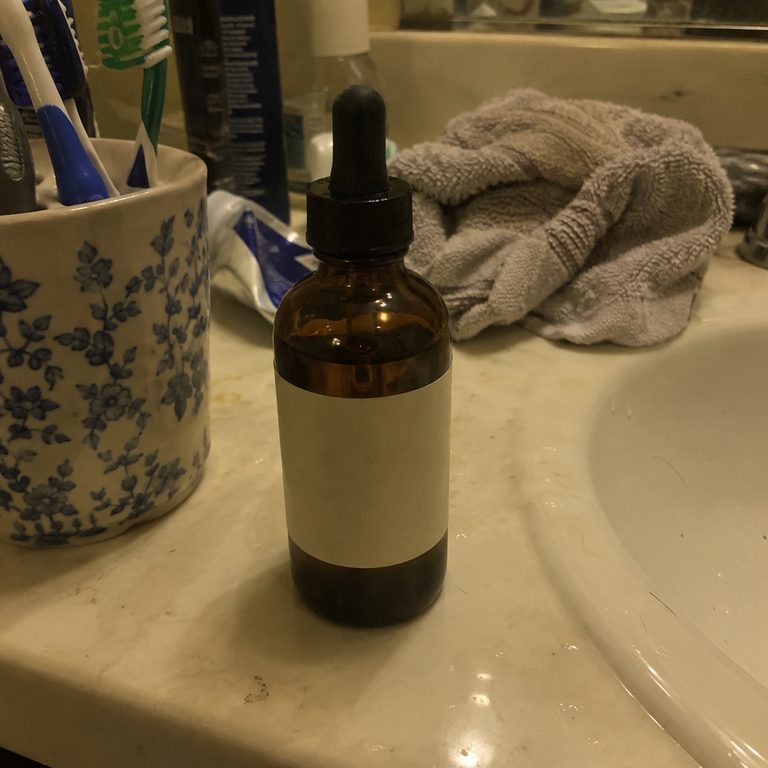
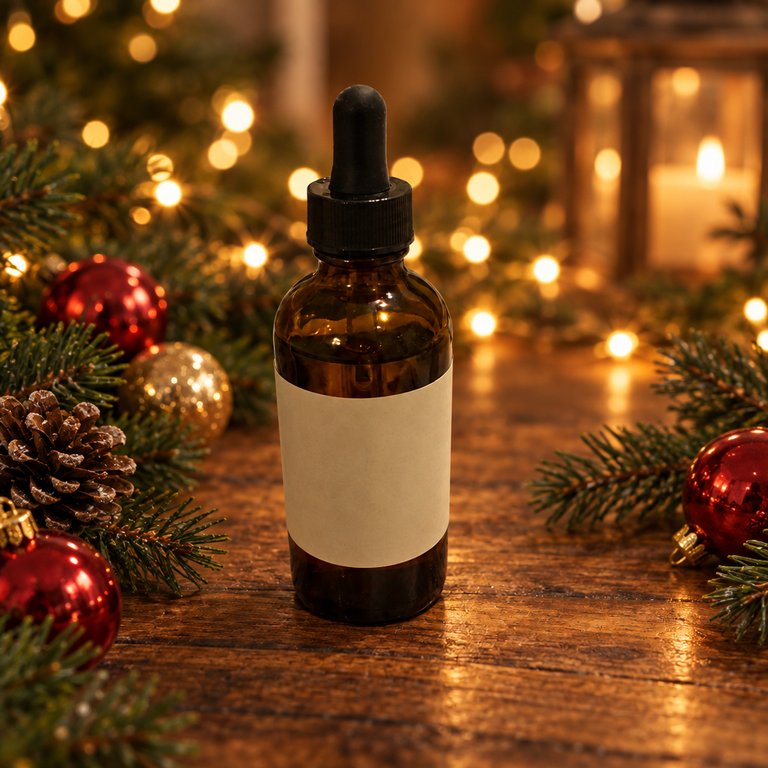
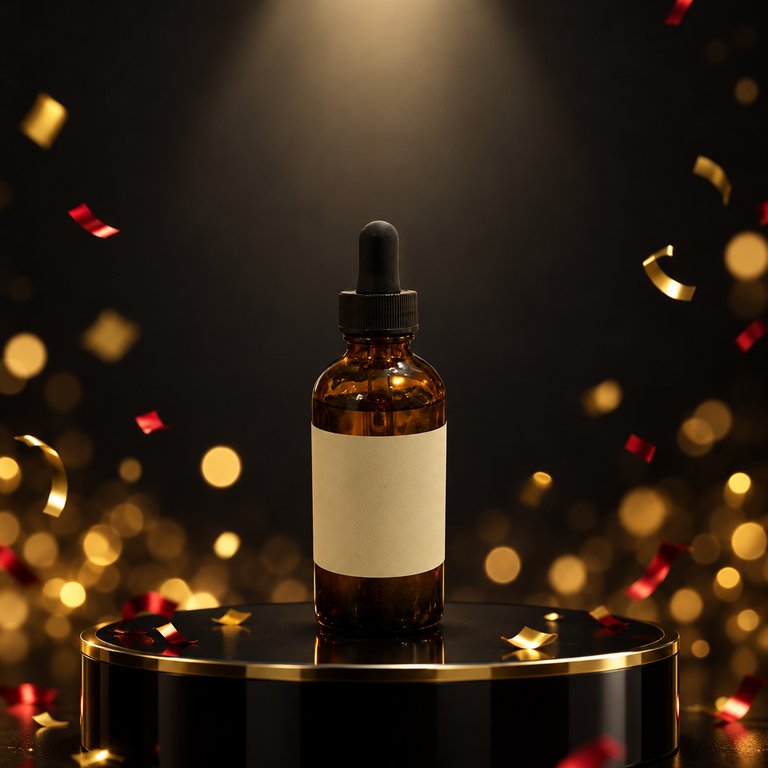
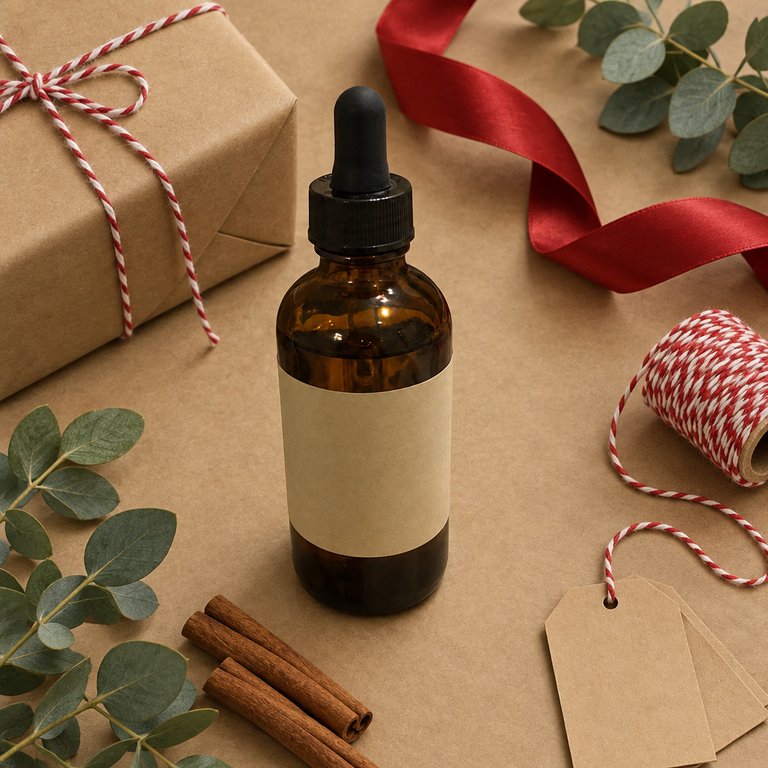
Example results made with ImageWhim from the snapshot on the left, using the styles below. For this demo the snapshots were also AI-generated.
Pick a holiday style, then add your photo
Christmas scene
Your product on a rustic table with pine branches, ornaments and warm fairy lights. For listings, product pages and social posts all season long.
Black Friday sale
A dark, dramatic backdrop with gold and red accents and clean space at the top for your sale headline. Add the text in your design or ad tool.
Gift guide
Your product surrounded by wrapping paper, ribbon and blank gift tags, for gift guides, bundles and “perfect gift” listings.
How it works
- 1Snap or pick a clear photo of your product.
- 2Choose a style and, if you like, describe the setting.
- 3Generate, compare and download in up to 4K.
Tips for the best results
- Refresh your photos 2–3 weeks before Black Friday (November 27, 2026) so your listings, ads and emails are ready when holiday shoppers start searching.
- Keep a clean, realistic photo as your main image and add holiday photos as extra images, so shoppers still see exactly what they will get.
- Name your colors or theme in the description, e.g. “silver and blue winter tones” or “minimal Scandinavian Christmas”, to match your brand.
- Add sale text, prices and discount codes in your design or ad tool, not in the description: AI-made lettering often comes out misspelled.
Frequently asked questions
Can I use a holiday photo as my main listing image?
It depends on where you sell. Amazon requires a pure white background for the main image, and Etsy recommends making your first photo the most realistic one (every Etsy listing also needs at least one unedited photo of the actual item). In your own store, it's up to you. Holiday photos work best as additional images and in ads, banners, emails and social posts.
Will my product look the same?
Every style tells the model to keep your product's shape, color and details, and it usually does. Small text, logos and fine patterns can still change, so compare with your original before you publish.
Can it add “Black Friday” or “50% off” text?
You can ask, but AI-generated lettering is often misspelled or distorted, so our styles leave clean empty space instead. Add your headline, prices and codes in your design or ad tool, where you control the font and spelling.
Can I change the holiday or the colors?
Yes. Edit the description to name any occasion or palette: Hanukkah, Diwali, Lunar New Year, Valentine's Day, winter, or your brand colors. Your product stays the same; only the setting changes.
Can I use the images in my store and ads?
Yes. You own the images generated for you, to the extent permitted by law and by our AI model providers' terms. See our Terms for details.
Are my photos private?
Your uploads and results are visible only in your account. We never publish them, and our AI provider does not use API data to train its models by default. See our Privacy Policy.
What does it cost?
You pay per image with credits. There is no subscription, credits never expire, and failed generations are refunded automatically.