AI interior design and virtual staging
Upload a photo of any room and see it furnished, restyled or cleared out in under a minute. Your walls, windows and floor stay where they are. No designer, no 3D software.
Same room, new look
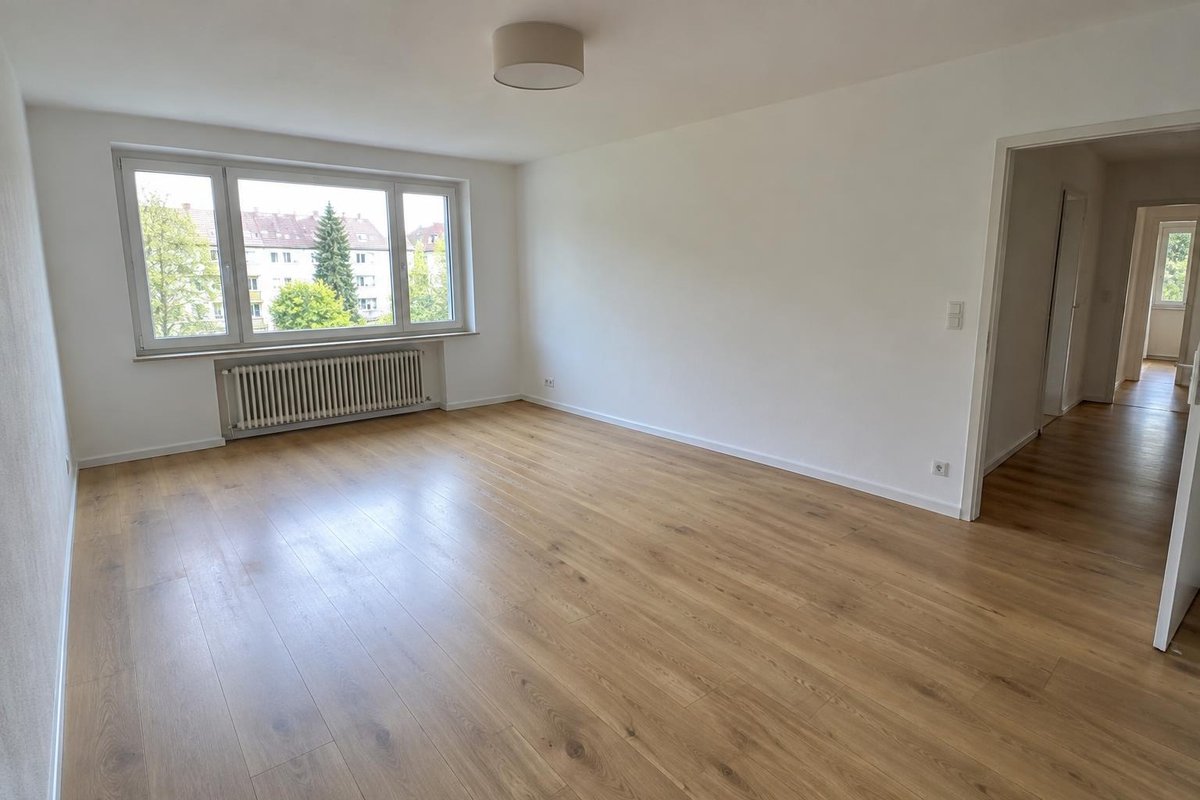
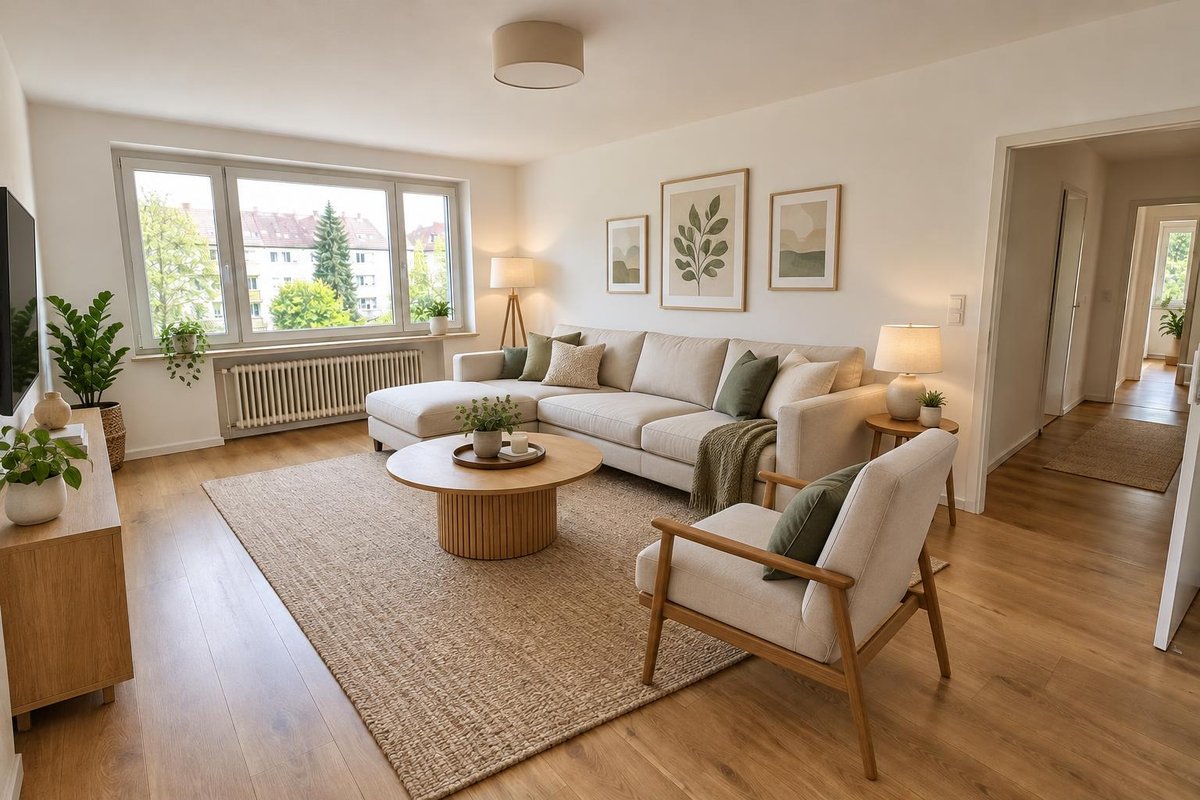
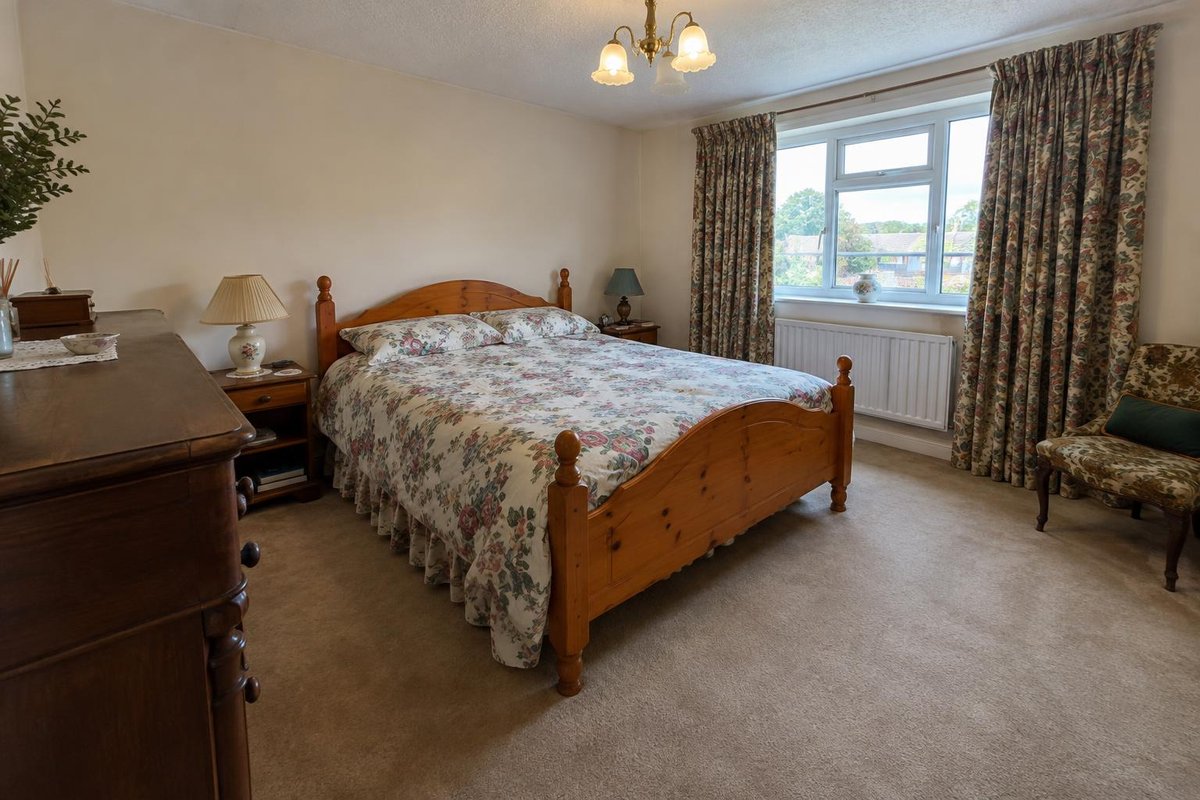
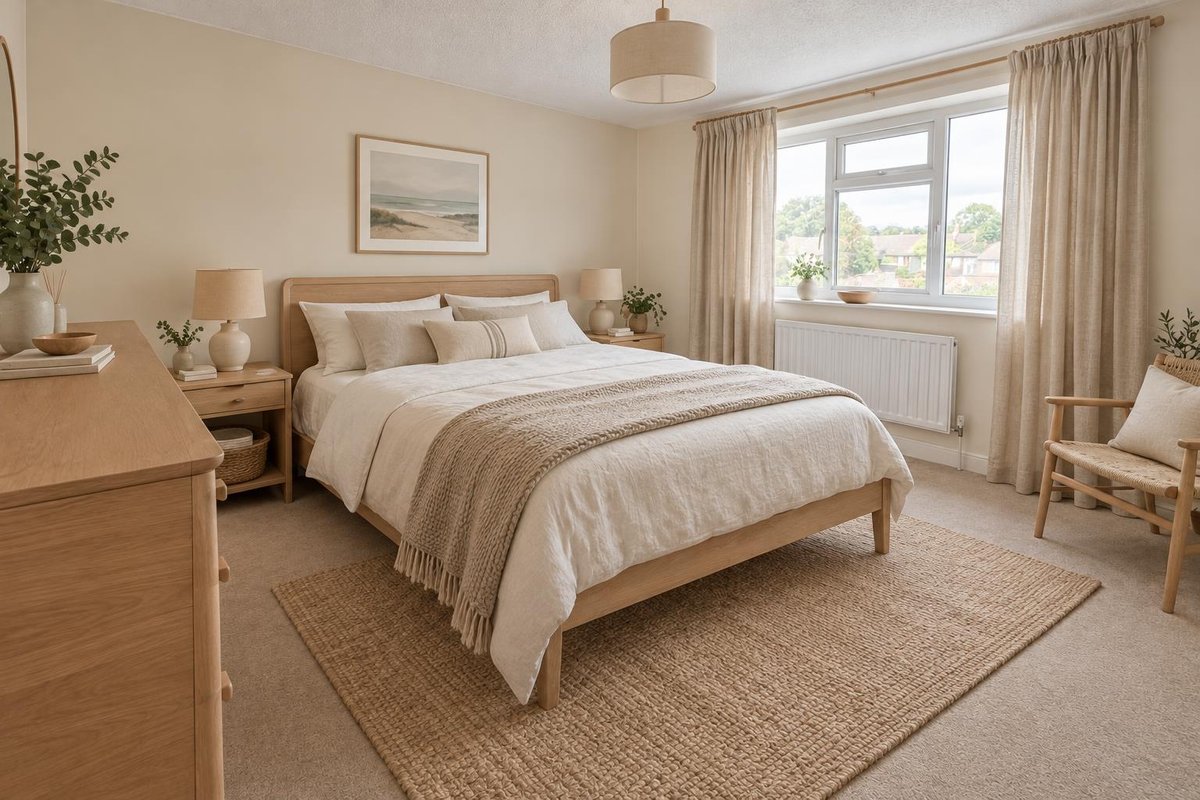
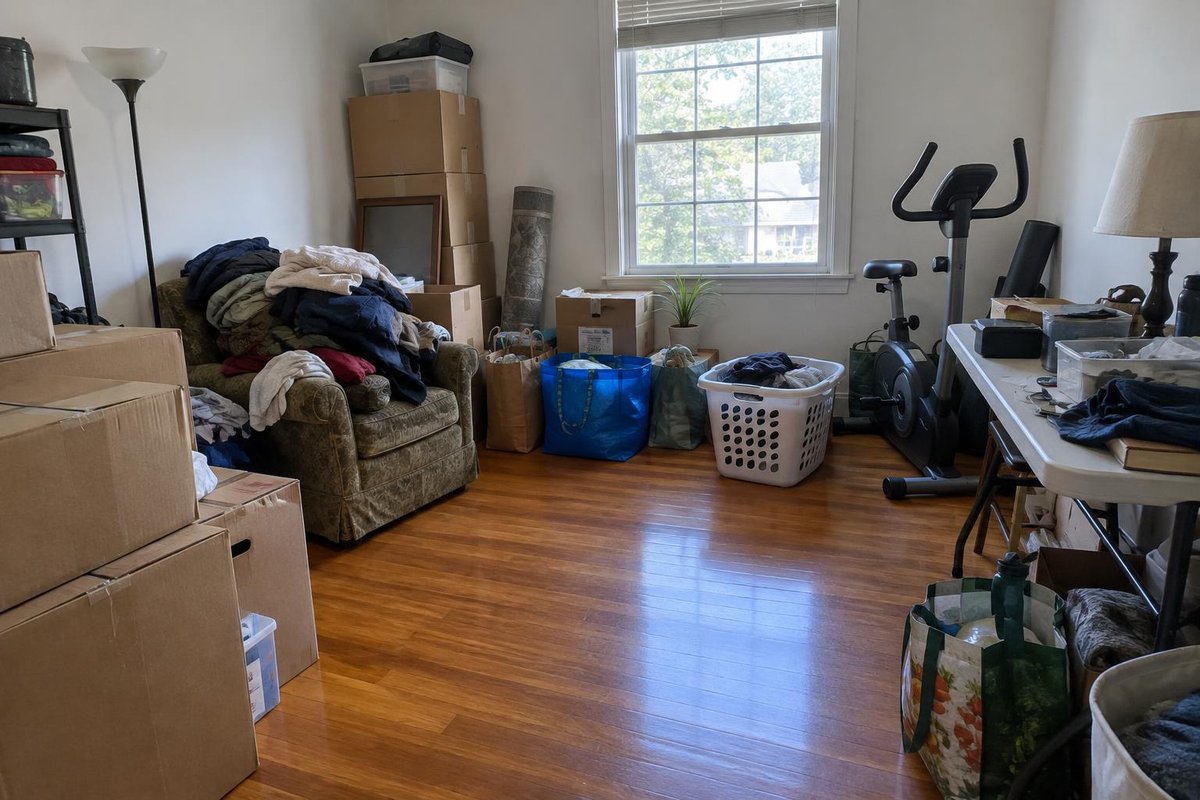
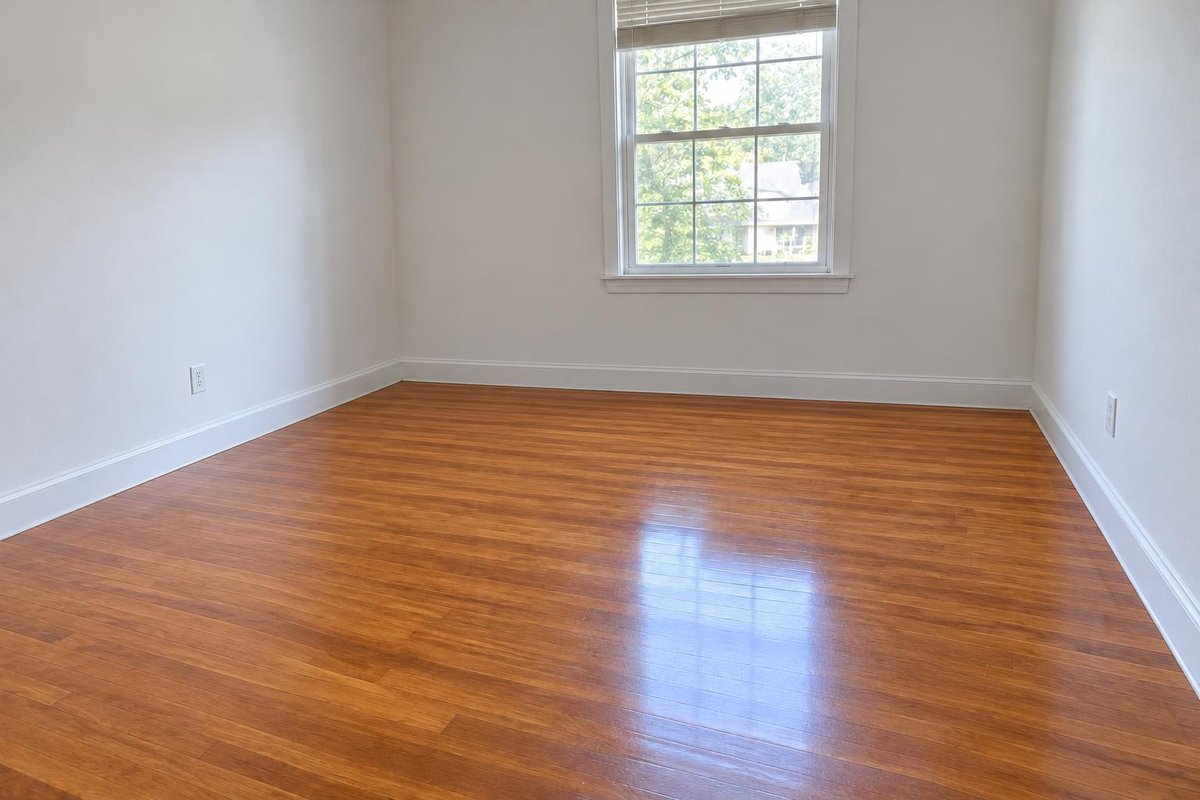
Example results made with ImageWhim from the photos on the left, using the presets below. For this demo the “before” photos were also AI-generated.
Pick what you need, then add your photo
Virtual staging
Furnish an empty room with furniture that fits its size and purpose: for listings, rentals or planning a move.
Use this styleRestyle
See your furnished room in a new style. Scandinavian is filled in; change it to Japandi, mid-century modern, industrial or any style you like.
Use this styleDeclutter
Clear out boxes, clutter and furniture to show the empty space, ready for a listing photo or a fresh plan.
Use this styleHow it works
- 1Take a photo of the room from a corner, holding your phone horizontally.
- 2Pick staging, restyle or declutter and, if you like, name a style, colors or furniture.
- 3Generate, compare a few versions and download in up to 4K.
Tips for the best results
- Shoot from a corner at about chest height so the photo shows as much floor and wall as possible.
- Use good light: open the curtains, switch on the lights and avoid shooting straight into a bright window.
- Hold your phone horizontally (landscape) and keep it level so vertical lines stay straight.
- Be specific about what you want, e.g. “Japandi style, oak and linen, a low platform bed”.
- AI can change small details such as outlets, trim or the view outside. Compare with your photo and regenerate if anything important moved.
Frequently asked questions
Will my room keep the same layout?
Every preset tells the model to keep your walls, windows, doors, floor, ceiling and camera angle, and it usually does. Small details can still change, so compare the result with your original photo.
Can I use virtually staged photos in a real-estate listing?
Generally yes, if you clearly label them as virtually staged and they don't misrepresent the property: don't hide defects or change permanent features such as walls, windows, flooring or the view. Showing the original photo alongside helps. Rules differ between MLSs, listing portals and countries, so check yours before publishing. The same goes for rental listings: guests should see what they will actually get.
Which rooms and styles can I use?
Living rooms, bedrooms, kitchens, dining rooms, home offices and spare rooms all work. Name any style in the description: Scandinavian, Japandi, mid-century modern, industrial, coastal, farmhouse, minimalist and more.
Is this a floor plan or a 3D model?
No. You get photorealistic images to visualize ideas and present a space. They are not measured drawings, so check real dimensions before you buy furniture or start work.
Are my photos private?
Your uploads and results are visible only in your account. We never publish them, and our AI provider does not use API data to train its models by default. See our Privacy Policy.
What does it cost?
You pay per image with credits. There is no subscription, credits never expire, and failed generations are refunded automatically.